


n8n pricing is based on workflow executions, not on steps or users. As of November 2026, n8n Cloud starts at 20 EUR per month (Starter, 2,500 executions) and 50 EUR per month (Pro, 10,000 executions), both billed annually. The self-hosted Community edition has no price and no execution quota, and Business (667 EUR, 40,000 executions) is self-hosted only.
Key takeaways
- One execution is one run of a whole workflow. A 3-node workflow and a 60-node workflow each cost one execution.
- Only production runs count. Manual test runs, sub-workflow calls and error-workflow runs do not.
- The Community edition is free to self-host, but you pay for the server, backups and the time to maintain it.
- AI model calls are billed separately from your plan, through your own provider keys or n8n's prepaid Gateway credits.
- Every price below comes from n8n's own pages, checked on 13 November 2026. n8n's pricing page shows Business overage pricing last changed on 26 October 2026, so confirm on the pricing page before you commit.
- When a plan hits its execution quota, n8n says workflows keep running. Overage rules differ by plan (see below).
n8n plans and prices (November 2026)
n8n states that all plans include unlimited users, workflows and integrations, and that price depends only on monthly workflow executions. The figures below are what the pricing page showed on 13 November 2026, in euros, billed annually.
| Plan | Price per month | Executions per month | Where it runs | Main limits |
|---|---|---|---|---|
| Starter | 20 EUR | 2,500 | n8n Cloud | 5 concurrent executions, 5-minute maximum run time, 1 shared project, forum support |
| Pro | 50 EUR | 10,000 | n8n Cloud | 20 concurrent executions on the 10,000 plan (50 on the 50,000 plan), 40-minute maximum run time, 3 shared projects, 7 days of insights, admin roles |
| Business | 667 EUR | 40,000 | Self-hosted only | SSO and LDAP, multiple environments, Git version control, queue mode, 6 shared projects |
| Enterprise | Contact sales | Custom | n8n Cloud or self-hosted | Unlimited projects, 200+ concurrent executions, log streaming, external secret stores, dedicated support with an SLA |
| Community edition | Free | No quota | Self-hosted | Almost the full feature set, without the paid features listed below |
The pricing page lists queue mode under Business, but n8n's edition docs and its queue mode setup guide treat it as part of Community. n8n's own pages disagree, so confirm with n8n before you rely on it; is n8n free has the details.
n8n quotes these prices in euros. Check the pricing page for your own currency.
Switching the page to monthly billing shows 24 EUR for Starter and 60 EUR for Pro (checked 13 November 2026), which matches the 17% annual saving the page advertises. Pro also comes in a 50,000-execution size. The pricing page data lists it at 145 EUR monthly or 1,450 EUR a year, about 121 EUR a month.
The Business plan is not available on n8n Cloud yet; n8n runs a waitlist. n8n also offers a Startup plan, which gives companies under 20 employees 50% off Business.
Hosted plans keep data in the EU, on servers in Frankfurt, Germany, according to the same page.
What counts as an execution
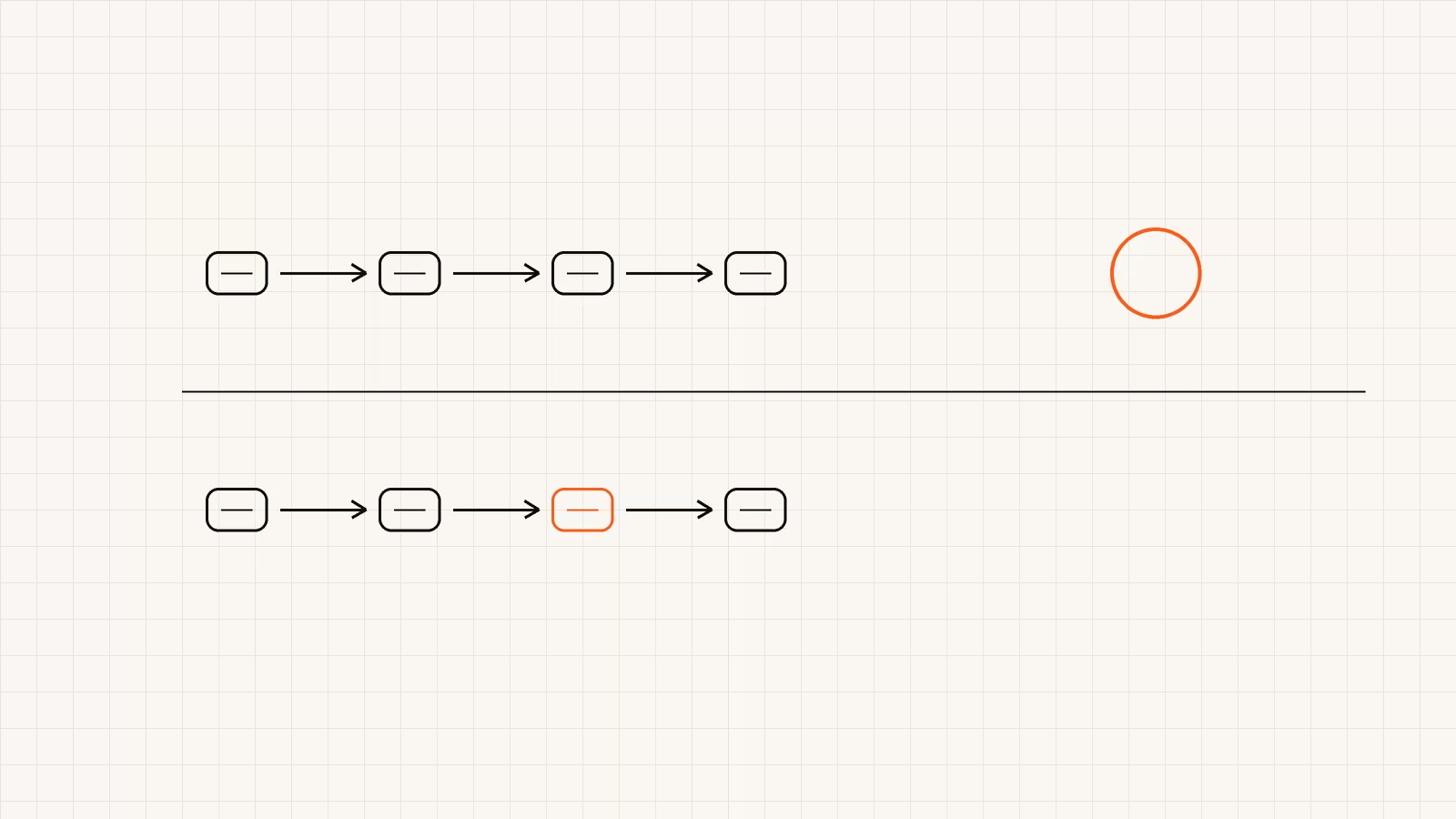
n8n's execution documentation says an execution is a single run of a workflow, and that only production executions count toward a paid plan's quota. Production executions are the ones a trigger, a schedule or a poll starts on its own. The counting rules depend on the trigger:
- Schedule Trigger. One execution each time it fires, whatever the outcome.
- Polling triggers. One execution only when the poll finds new data. A poll that returns nothing is free.
- Webhook Trigger. One execution for every inbound request that starts the workflow, including a request with an empty body. A malformed request that fails before the workflow starts does not count.
These runs do not count: manual runs from the editor, sub-workflow executions (only the parent counts), error-workflow runs, and rejected webhook requests.
Splitting a large workflow into sub-workflows does not raise your bill. And a schedule that fires often can use a plan on its own: n8n's pricing page puts a workflow that runs every 5 minutes at about 8,600-8,900 executions per month, which nearly fills Pro by itself.
How to estimate your monthly executions
n8n's pricing page gives the method: list each use case and work out how often it runs. Scheduled workflows count each firing. Webhook workflows equal the number of triggering events. A chatbot equals conversations multiplied by messages per conversation, because each message starts a run.
Here is an illustration with invented usage, not data from any real business. A small company runs five workflows:
| Workflow | How it triggers | Executions per month |
|---|---|---|
| Daily sales report | Once a day, 30 days | 30 |
| Hourly stock sync | 24 runs a day, 30 days | 720 |
| Web form to CRM | 40 submissions a day, 30 days | 1,200 |
| Order status check | Every 15 minutes (96 a day), 30 days | 2,880 |
| Support chatbot | 150 conversations a week, 6 messages each, about 4.33 weeks | about 3,900 |
| Total | about 8,730 |
The total of 8,730 fits inside Pro's 10,000, at 50 EUR per month, billed annually. It does not fit Starter's 2,500. If the chatbot doubled in traffic, the total would pass 12,000 and the company would need a larger Pro volume or the next plan. Because the count is per run, adding steps to any of these workflows changes nothing.
For a workflow that is already live, n8n says to read production execution counts from the Insights dashboard instead of estimating.
What happens at the quota
On the pricing page, n8n says that if you exceed your quota your workflows keep running without interruption. The rest depends on the plan. Starter and Pro are capped and have no overage charges. Business lists an overage fee of 4,000 EUR per extra 300,000 executions, and n8n says overage charges may apply unless you move to the next usage tier. Enterprise overage is set in the order form. On Business and Enterprise, n8n says its sales team contacts you as you approach the quota. Concurrency is separate: runs above your plan's concurrent limit wait in a queue.
What is not in the plan price
AI model calls. Plan quotas count workflow runs only. n8n's Gateway credits documentation says model requests either use your own provider credentials or draw from a prepaid Gateway credit balance, billed per request at rates on n8n's service pricing page. Gateway credits exist on Starter and Pro, not on Enterprise or self-hosted. An AI workflow therefore has two costs: the execution, and the tokens. If you build agents, read how n8n AI agents work before you budget.
Assistant credits. The in-editor Assistant has its own monthly credit allowance on Starter and Pro (1,600 credits on Starter per the pricing page) and you can buy extra credits. Running a workflow does not use Assistant credits.
Run-time limits. Starter limits a run to 5 minutes, and Pro and Enterprise to 40 minutes. A long data import can hit this before it hits any quota.
Saved-execution storage. Each plan keeps a limited number of past executions (2,500 on Starter and 25,000 on Pro) and deletes the oldest. n8n says reaching this limit does not stop workflows, only the history you can inspect.
The trial. The free trial lasts 14 days, gives Pro features with a 1,000-execution limit, and needs no credit card. If you do not upgrade, n8n deletes the instance. You then have 90 days to download your workflows.
What self-hosting costs
The Community edition is the free, self-hosted version. n8n's edition comparison says it includes almost the complete feature set, and the execution quota applies only to paid plans. That is why "free" is accurate, and also why it is incomplete. You pay for:
- A server, and a database for it.
- Backups of workflows and credentials, plus a restore you have tested.
- Updates and monitoring, which n8n does not do for you on a self-hosted instance.
- Your time, or someone else's.
The Community edition leaves out paid features such as SSO, environments and Git version control. They need a Business or Enterprise licence key. Is n8n free has the full list, and self-hosting n8n on a VPS walks through the setup.
To compare Cloud and self-hosting, use one rule. Take the Cloud plan that fits your execution estimate, for example Pro at 50 EUR per month. Self-hosting is cheaper only if the server, the backups and the hours you spend maintaining it add up to less than that figure each month. If one hour of your time is worth more than the whole Cloud plan, Cloud wins on cost. If your data must stay on your own infrastructure, that rule does not apply and self-hosting is the answer regardless of price.
The licence: when free is not allowed
n8n's source code is under the Sustainable Use License, which n8n calls fair-code, not open source. Its licence FAQ allows use for your own internal business purposes, including building automations for clients on your instance as long as the clients cannot create or edit them, and charging clients for setup, maintenance, training and consulting.
It does not allow hosting n8n as a service where clients build their own workflows, letting end users configure workflows through your product (including through an API, MCP or AI agent), forking n8n to launch your own automation product, white-labelling it, or using Enterprise features without an Enterprise licence. If your plan is on the wrong side of that line, n8n directs you to its sales team for a commercial licence.
Which option fits
- Under 2,500 runs a month, one person, no server skills. Starter.
- Up to about 10,000 runs, a small team, no server skills. Pro. Above that, the 50,000-execution Pro size or self-hosted Business.
- Many runs, own infrastructure, or data that must stay put. Community edition, with the maintenance cost counted.
- SSO, environments or Git version control on your own servers. Business, self-hosted.
- Compliance review, audit logging, dedicated support. Enterprise.
If you are also weighing n8n against a per-task tool, n8n vs Zapier prices the same workflows on both. If you want n8n built, hosted or maintained for you, see n8n automation services. Wasevo scopes each project as one written plan with a fixed price, and you can book a free 15-minute call to talk through your execution estimate.
Frequently asked questions
As of November 2026, n8n Cloud Starter is 20 EUR per month for 2,500 executions and Pro is 50 EUR for 10,000, both billed annually. Business is 667 EUR for 40,000 executions and is self-hosted only. Enterprise is custom. The self-hosted Community edition costs nothing in licence fees. Server and maintenance costs still apply.

Written by
Web & AI Systems Lead at Wasevo. Writes about AI agents, chatbots, WhatsApp automation and n8n workflows.