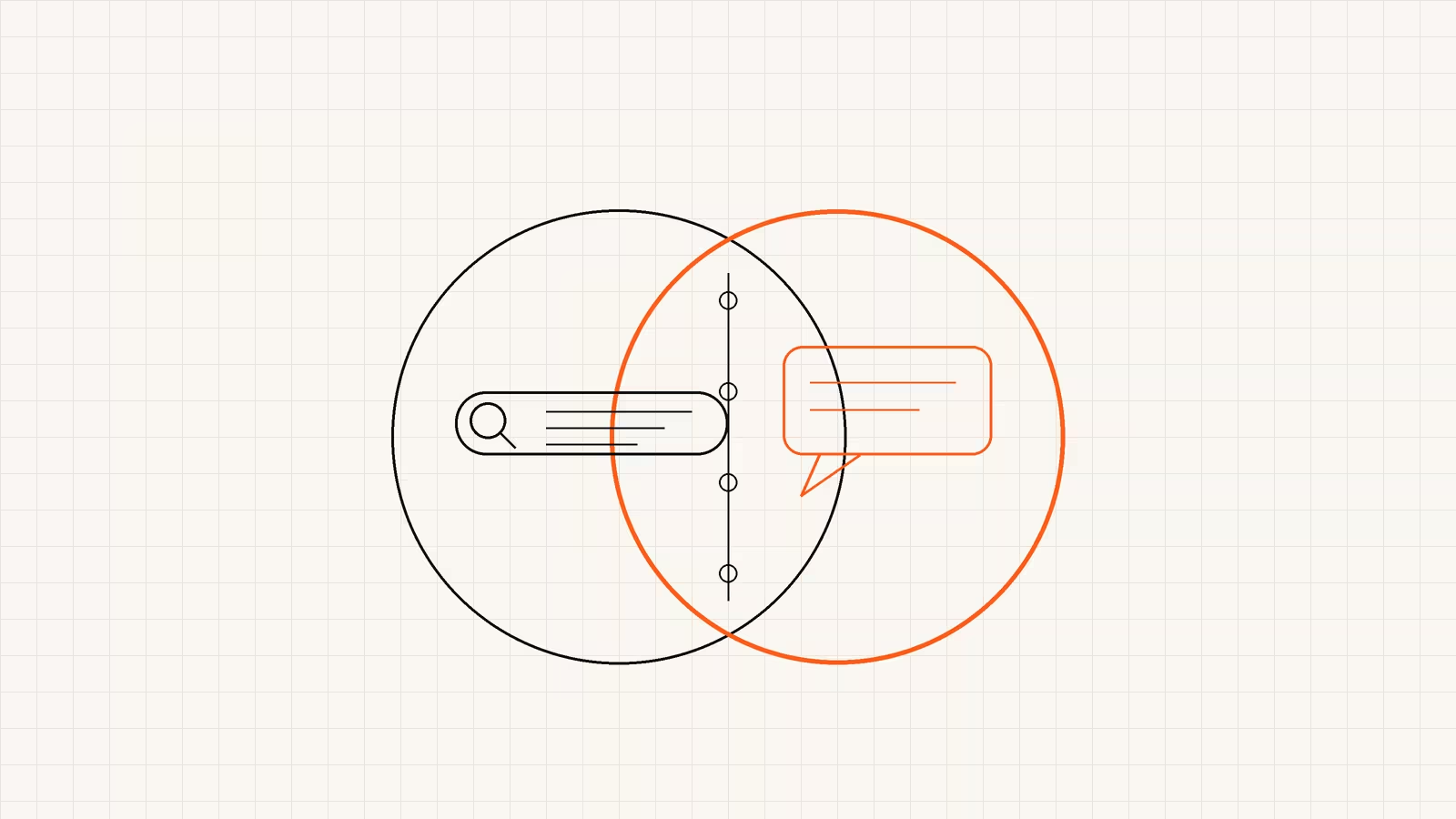


GEO, short for generative engine optimization, means making your pages easy for AI answer tools to find and cite. SEO does the same for classic search results. Most of the work is shared. Google's guidance says optimizing for generative AI search is still SEO, and its AI features page lists no special optimizations for AI Overviews or AI Mode, so for Google the work is mostly SEO.
Key takeaways
- Google says optimizing for generative AI search is "still SEO" and that no special optimizations are needed for AI Overviews or AI Mode. The one setting to check is the Search generative AI control in Search Console, which defaults to including your site (pages checked 13 November 2026).
- Other AI products run their own crawlers. OpenAI and Anthropic publish separate robots.txt tokens for search and for training, and Perplexity publishes separate tokens for its search crawler and its user-triggered fetcher, so one rule does not cover all of them.
- The real differences are crawler access and measurement. The content job is the same, and it starts with pages that are crawlable and worth citing.
- None of the sources cited here describe a setting that guarantees a citation, so treat any promise of one as a red flag.
GEO and AEO defined
GEO stands for generative engine optimization. Its sibling, AEO, stands for answer engine optimization. Both describe work aimed at visibility in AI search experiences such as AI Overviews, AI Mode and ChatGPT search.
Google's guide on generative AI search describes them as terms you "may see used" and says that, from its perspective, this work is still SEO. It also points readers to its guidance on evaluating third-party advice before they buy "AEO" or "GEO" services.
The same three letters are sometimes used for geographic targeting, such as location pages and Google Business Profile work. That is local SEO and a different job. In this article GEO means the AI search sense only.
Google's guidance on AI Overviews and AI Mode
Google's older page on AI features and your website states this (page last updated 2025-12-10, checked 13 November 2026):
"There are no additional requirements to appear in AI Overviews or AI Mode, nor other special optimizations necessary."
Google's guide to optimizing for generative AI features (page last updated 2026-07-10, checked 13 November 2026) says this about the label:
"From Google Search's perspective, optimizing for generative AI search is optimizing for the search experience, and thus still SEO."
The eligibility rule has two parts. To appear as a supporting link, a page must be indexed and eligible to be shown in Google Search with a snippet. Google's newer guide adds that a site must also be included in the Search generative AI control in Search Console. Google's help page for that control says Google rolled it out to all websites worldwide as of 31 August 2026 and that the default is to include your site. The older AI features page still says there are no additional technical requirements, so Google's two pages differ. The newer guide and help page are the current position. Meeting every requirement does not guarantee that Google indexes or serves a page.
Google also lists what you can skip for its own search: llms.txt and other AI text files, "chunking" content for AI, and special schema.org markup.
Google also warns that creating separate pages for every query variation, including the fan-out queries its AI features generate, primarily to manipulate rankings or AI responses violates its scaled content abuse spam policy.
Google's controls for AI features are the Search generative AI control in Search Console (Settings, Search generative AI), robots.txt rules for Googlebot, and the nosnippet, data-nosnippet, max-snippet and noindex controls. Excluding a site through the Search Console control removes its links and content from AI Overviews, AI Mode and generative features in Discover, so it receives no impressions or traffic from them. Google says the control does not affect AI training, which Google-Extended handles, and is not a ranking or inclusion signal elsewhere in Search. A change generally takes a few days to apply. Google-Extended is a separate token for Gemini training and grounding and does not affect inclusion in Google Search (Google's crawler list, page last updated 2026-10-30).
OpenAI crawler settings
OpenAI's crawler overview (checked 13 November 2026) lists four user agents: OAI-SearchBot, GPTBot, ChatGPT-User and OAI-AdsBot, which checks pages submitted as ChatGPT ads. OAI-SearchBot is for search, and OpenAI says:
"Sites that are opted out of OAI-SearchBot will not be shown in ChatGPT search answers, though can still appear as navigational links."
GPTBot is for training. OpenAI says:
"Disallowing GPTBot indicates a site's content should not be used in training generative AI foundation models."
The settings are independent. OpenAI's own example is a site that allows OAI-SearchBot and disallows GPTBot. ChatGPT-User covers certain user actions in ChatGPT and Custom GPTs. Because a person starts those requests, OpenAI says robots.txt rules may not apply to it, and it is not used to decide whether content appears in search. After a robots.txt change, OpenAI says its search systems can take about 24 hours to adjust.
Each operator documents its own crawlers. The table summarizes what their pages say.
| Crawler | Operator | Purpose according to the operator |
|---|---|---|
| OAI-SearchBot | OpenAI | Surfaces sites in ChatGPT search results |
| GPTBot | OpenAI | Crawls content that may be used for training |
| ChatGPT-User | OpenAI | Fetches pages for certain user actions; robots.txt may not apply |
| PerplexityBot | Perplexity | Surfaces and links sites in Perplexity search results; not used to crawl for AI foundation models |
| Perplexity-User | Perplexity | Supports user actions; generally ignores robots.txt rules |
| ClaudeBot | Anthropic | Collects web content that could contribute to model training |
| Claude-SearchBot | Anthropic | Indexes content to improve search result quality |
| Claude-User | Anthropic | Retrieves pages when a user asks Claude a question |
| OAI-AdsBot | OpenAI | Checks pages submitted as ChatGPT ads; not used to train foundation models |
| Google-Extended | Controls use for Gemini training and grounding; no effect on Google Search |
Sources are listed at the end of the article, all checked 13 November 2026. Anthropic says its bots honor robots.txt directives and that blocking by IP address may not reliably opt a site out.
A working example: the robots.txt and llms.txt on wasevo.com
The live robots.txt on wasevo.com, fetched 13 November 2026, allows the AI search and answer crawlers by name. This is the group that applies to them:
User-agent: OAI-SearchBot
User-agent: ChatGPT-User
User-agent: GPTBot
User-agent: PerplexityBot
User-agent: Perplexity-User
User-agent: ClaudeBot
User-agent: Claude-SearchBot
User-agent: Claude-User
User-agent: Google-Extended
User-agent: Applebot-Extended
User-agent: Bingbot
Allow: /
Disallow: /design-system
Disallow: /cdn-cgi/
No AI crawler is blocked. That includes the training tokens GPTBot, ClaudeBot and Google-Extended, so this site permits both search use and training use. The group repeats the two private paths because, as the file's own comment explains, a named group replaces the * group for that bot.
The site also publishes an llms.txt file. It is a Markdown file that opens with a one-paragraph summary of the company and then lists key facts, how plans are described, services, locations, products, selected work, guides and policies under headings. These are its sections:
- Key facts
- How plans are described
- Services
- Locations
- Products
- Selected work
- Guides
- About and policies
The llmstxt.org proposal, written by Jeremy Howard and last modified 10 August 2026, describes the format as a way to give agents concise information about a website. Google says its own Search ignores such files, so the file exists for other tools. A robots.txt or llms.txt file shows what a site publishes. It does not show whether any engine reads the file, ranks the site or cites it.
Shared work: crawling, indexing and content
Google's AI features guide lists the fundamentals that still apply. Each one is ordinary technical or content SEO:
- Crawling is allowed in robots.txt and by any CDN or hosting infrastructure.
- Important pages are findable through internal links.
- The page gives visitors a good experience.
- Important content is available as text.
- Structured data matches the visible text on the page.
- Merchant Center and Business Profile information is current, where it applies.
Google says unique, non-commodity content will likely influence presence in generative AI search more than any other suggestion in its guide.
For a service business, the crawl and index work comes first. A page that Google cannot index is not eligible, and OpenAI's search crawler needs access too. The technical SEO before launch checklist covers crawl access, response codes, canonicals and internal links, and technical SEO is the service that fixes them on a live site.
Differences: crawler rules and measurement
| Question | SEO | GEO |
|---|---|---|
| Goal | Rank and earn clicks in classic results | Be retrieved and linked or cited in an AI-written answer |
| Where it shows | Ranked results in search | Supporting links in AI Overviews and AI Mode, and cited sources in answers from ChatGPT, Perplexity and similar products |
| What you control | Indexing, content, internal links, snippets and page experience | The same, plus the Search generative AI control in Search Console and a separate robots.txt rule for each operator's crawlers |
| How you measure | Search Console performance and analytics | Search Console reports for Google's AI features, plus server logs and dated manual prompt checks for other engines |
Google says AI Overviews are shown only when its systems judge them additive to classic Search, so they often do not trigger. The other engines publish their own crawler rules, and a rule for one operator does nothing for another.
A first-month checklist for a service business
- Week 1, access. Confirm your important pages are indexed using Search Console. Read your robots.txt and check that your CDN or firewall is not blocking the crawlers you want. OpenAI and Perplexity both publish IP ranges for their search bots. In Search Console, open Settings, then Search generative AI, and confirm the control includes your site.
- Week 1, decision. Decide per operator whether you allow search use, user fetches and training use, using the decision table below, and write the decision down.
- Week 2, pages. Pick your top service pages. Make sure each one answers the buyer's main question in plain text near the top, and add the first-hand detail only you have, such as your process and your real examples.
- Week 2, structure. Check that structured data matches what the page shows. Update Business Profile or Merchant Center details if they apply to you.
- Week 3, links. Link your key pages from related pages.
- Week 4, baseline. Record the Search Console baseline, note which AI crawlers appear in your server logs, and run a dated list of the questions your buyers ask in each assistant. Save the answers so you can compare next month.
The decision table below shows which setting each goal maps to, according to the operators' own pages.
| If you want to | Setting | Source note |
|---|---|---|
| Appear in ChatGPT search answers | Allow OAI-SearchBot | OpenAI recommends it; opted-out sites are not shown in answers, only as navigational links |
| Appear in Perplexity search results | Allow PerplexityBot | Perplexity recommends it |
| Appear in Claude search results | Allow Claude-SearchBot | Anthropic says disabling it may reduce visibility |
| Keep content out of model training | Disallow GPTBot and ClaudeBot, plus Google-Extended for Gemini | Each operator documents its own token |
| Opt out of Google's AI Overviews and AI Mode | Exclude your site in the Search generative AI control | Does not affect AI training or other Search ranking |
ChatGPT-User and Perplexity-User are user-triggered fetchers, and their operators say robots.txt rules may not apply to them. Anthropic says that as of 30 October 2026 it recognizes a machine-readable "no AI training" preference signal, and Google says it intends to support AIPREF in early 2027.
Measuring AI visibility
Google reports AI feature traffic in the Search Console Performance report under the "Web" search type. Its generative AI guide also points to a Generative AI performance report. Google also says clicks from results with AI Overviews have been higher quality, meaning users are more likely to spend more time on the site. Track conversions and time on site in your analytics as well as clicks.
For other engines, no single dashboard exists. Check your server logs for the user agents in the table above, and compare them with the IP ranges the operators publish. Keep a dated log of manual prompts and which sources each answer cited.
Google also warns that no third-party tool has access to its internal ranking or AI systems.
Wasevo and AI SEO
Wasevo's SEO work implements fixes instead of only recommending them. It does not sell guaranteed rankings or use paid links, so it makes no promise about AI citations either. If you want the crawl and content work from this article done on your site, see AI SEO (GEO) and SEO services, or book a free 15-minute call.
Frequently asked questions
GEO is generative engine optimization, the work of making a site's pages easy for AI answer tools to retrieve and cite. Google describes it as a term you may see used for work focused on AI search visibility, and says that from its perspective this is still SEO. The same letters can also mean geographic targeting, which is a separate local SEO topic.

Written by
Founder & CEO of Wasevo. Builds SEO, software and AI automation for clients in the US, UK, Canada, Australia, Sweden and Pakistan since 2020. Writes about search, GEO, pricing and how to choose between tools and builds.